How to Virtually Try On Tops and Blouses Online
Try on tops and blouses virtually using your photo, compare necklines, sleeves, colors, and drape, and create a more useful online shopping shortlist.
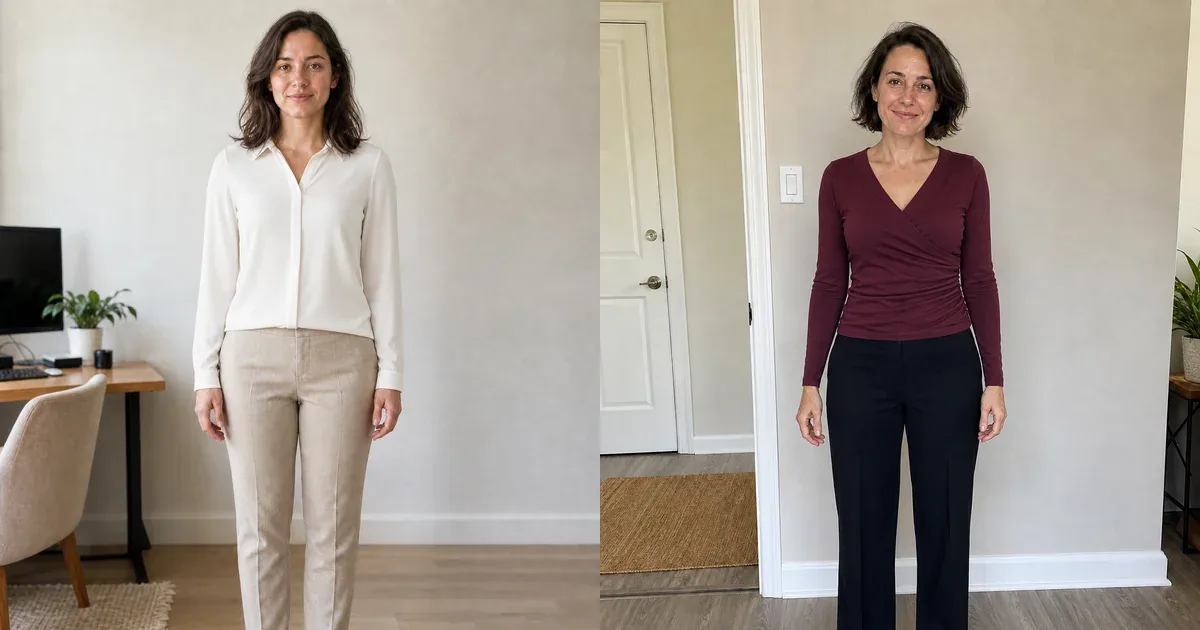
Tops and blouses sit close to the face, shoulders, and waist, so relatively small changes can affect an entire outfit. Neckline depth, collar shape, sleeve volume, fabric drape, color, print, and hem position may matter more than the isolated product photograph suggests. Virtual try-on lets you compare those visible choices on your own photo.
A generated preview is useful for style direction, not sizing. It may help you choose between a collared blouse and wrap top or between fitted and relaxed shapes, but it cannot confirm bust room, shoulder mobility, button tension, transparency, or comfort. Use it alongside garment measurements and product information.
How to virtually try on tops and blouses
- Upload a clear front-facing photo with your neck, shoulders, torso, waist, arms, and hands visible.
- Choose a top from the collection or add a clean product image from an online shop.
- Generate the preview and inspect the neckline, collar, sleeves, seams, fastenings, and hem.
- Use the same personal photo and bottom garment when comparing another style or color.
- Save realistic options and verify the actual measurements, fabric, care, reviews, and returns.
Original blouse and wrap-top comparisons
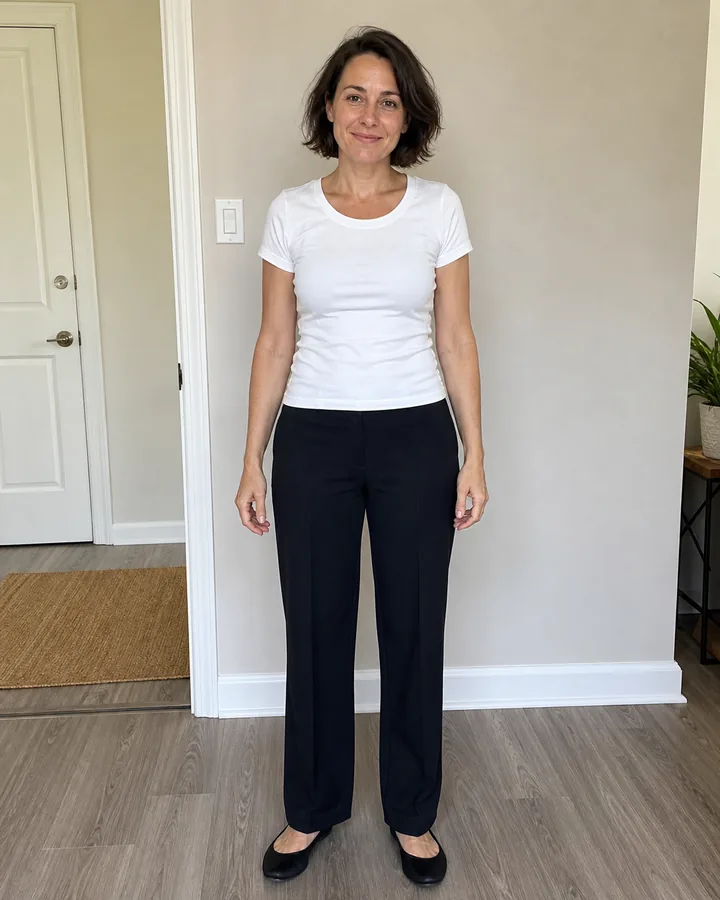
Both examples below use newly generated fictional models and controlled edits. Each before/after pair preserves the person's identity, pose, proportions, trousers, shoes, room, camera, and lighting. The first isolates a soft collared blouse; the second isolates a fitted wrap-style top.
Drag the sliders to compare how the ivory blouse changes the collar and fabric drape, then inspect how the burgundy wrap top changes neckline direction, waist definition, and color while the trousers stay fixed.
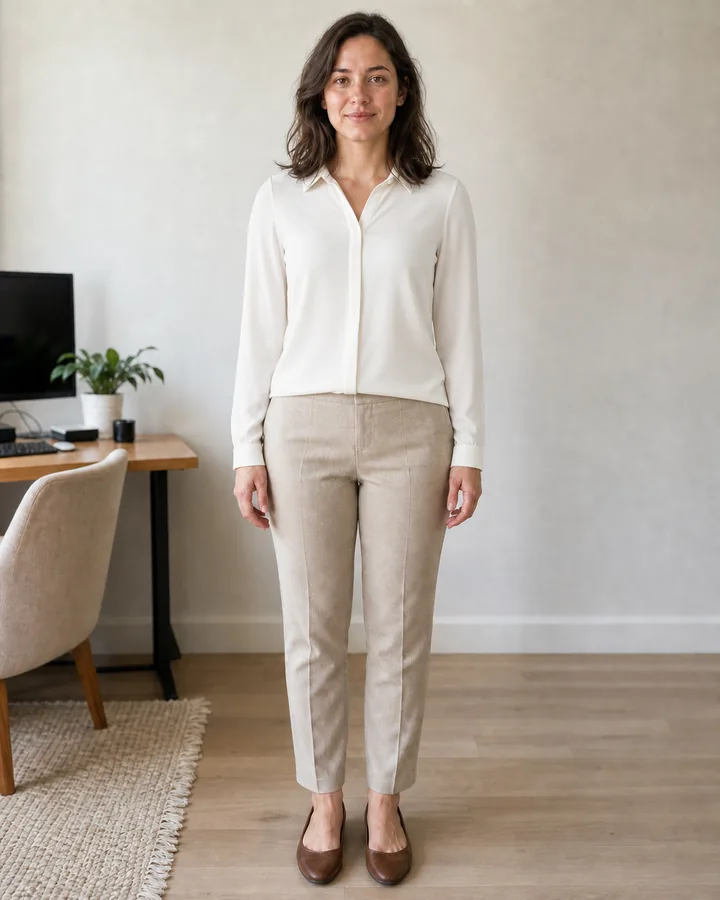
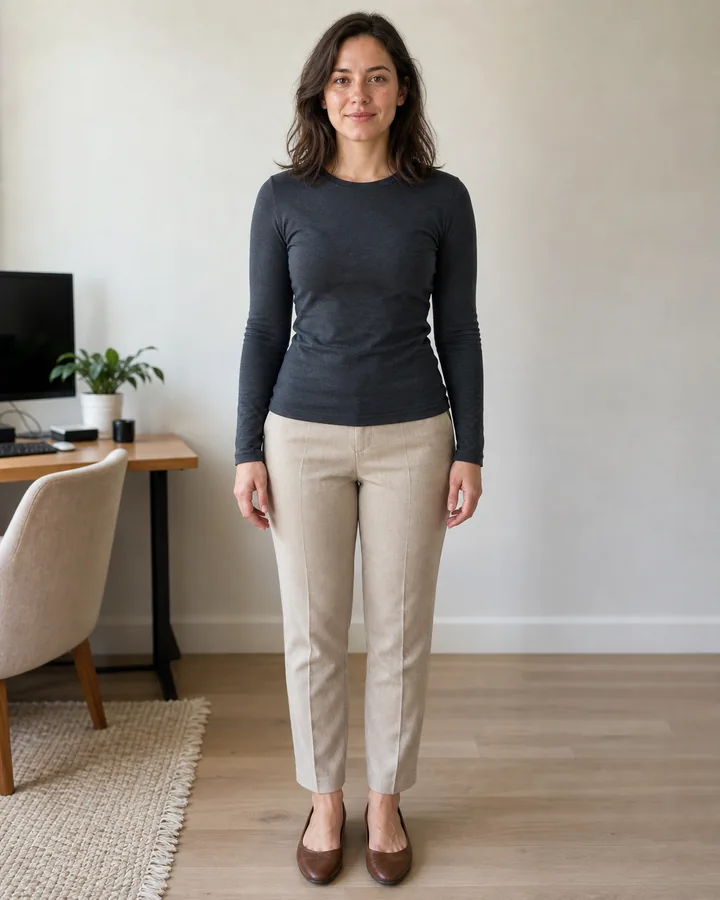 BeforeAfter
Virtual blouse try-on · Ivory collared long-sleeve blouse
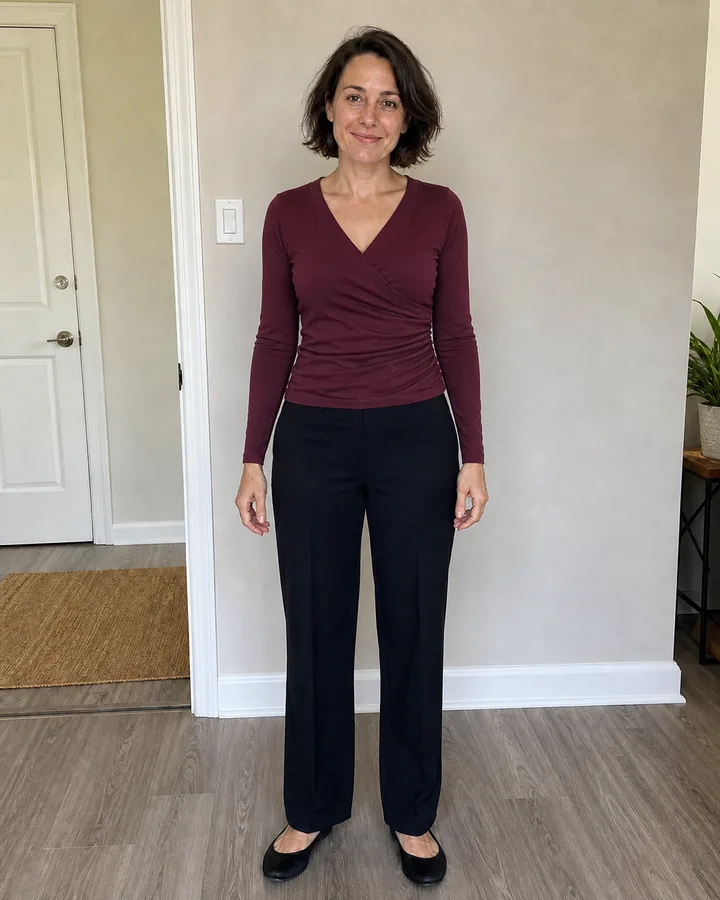
 BeforeAfter
Virtual top try-on · Burgundy wrap-style long-sleeve top
Compare the neckline near your face
Test one neckline variable at a time. A crew or boat neck creates a broader horizontal line; a V-neck or wrap front creates a vertical line; a collared blouse adds structure; and a square or scoop neck exposes a different amount of upper chest. These are styling observations rather than rules—your comfort, dress code, and personal preference are more important than a face-shape formula.
Inspect sleeves, shoulders, and fabric drape
Compare sleeveless, short, cap, three-quarter, long, puff, flutter, and cuffed sleeves while keeping the rest of the look consistent. Check whether the virtual shoulder seam sits in a believable place and whether both sleeves share the same length and volume. Reject results with one enlarged sleeve, missing cuffs, merged hands, or fabric passing through the body.
Fabric changes the real silhouette. Crisp poplin can hold a collar and sleeve shape, while satin, crepe, jersey, linen, and chiffon drape differently. AI may communicate the general idea but cannot reproduce exact weight, stretch, sheerness, wrinkles, static, or movement. Read the material description and customer reviews before deciding.
Coordinate the top with bottoms and layers
A top should be evaluated as part of an outfit. Keep your jeans, skirt, or trousers fixed while comparing two or three tops, then reverse the test if necessary. Observe whether the hem ends at a useful point, whether a tuck looks believable, and whether the color competes with the bottom. For workwear, also preview the blouse beneath the intended blazer or cardigan.
Prepare a clean product reference
- Show the complete front, including neckline, collar, sleeves, cuffs, closures, waist, and hem.
- Prefer a plain contrasting background and a straight product angle.
- Crop away prices, navigation, promotional labels, hangers, hands, and unrelated garments.
- Keep the retailer's measurements and fabric description available for the final check.
Build a smaller online-shopping shortlist
Save three useful directions instead of dozens of near-identical results: one familiar everyday top, one more structured blouse, and one contrasting neckline or color. Inspect whether your face, body, hands, and background remain consistent in every saved image. Return to the official product photographs whenever AI changes important details such as buttons, print placement, seams, pockets, or cuffs.
Use any Try button to open InFashi's clothes uploader, or download the Android app from the action panel. Treat the previews as a visual shortlist, then confirm sizing, opacity, fabric, construction, care requirements, delivery, and returns with the seller.
Frequently Asked Questions
- Can I virtually try on a blouse using my photo?
- Yes. Upload a clear front-facing photo, choose a blouse or upload a product image, and generate a visual preview. Compare the neckline, sleeves, color, length, and overall coordination.
- What is the best photo for trying on tops online?
- Use even light and a straight camera angle. Keep your neck, shoulders, waist, arms, and hands visible, with your arms slightly away from your sides and no coat, scarf, or bag covering the torso.
- Can AI show whether a blouse will fit correctly?
- No. It can preview the visible styling direction, but it cannot test buttons pulling, arm movement, fabric transparency, comfort, or exact measurements. Always check the size chart and reviews.
- Can I compare different necklines with virtual try-on?
- Yes. Keep your personal photo and the rest of the outfit fixed while comparing crew, V, scoop, square, wrap, boat, collared, or high necklines. Controlled comparisons make the neckline easier to judge.
- Can I upload a top from another website?
- Yes. Crop a sharp product photograph so the complete top is visible without menus, prices, another model's hands, or unrelated clothing obstructing its shape.
Try it on InFashi
Upload a photo in your browser, or download the Android app and preview your look on your phone.