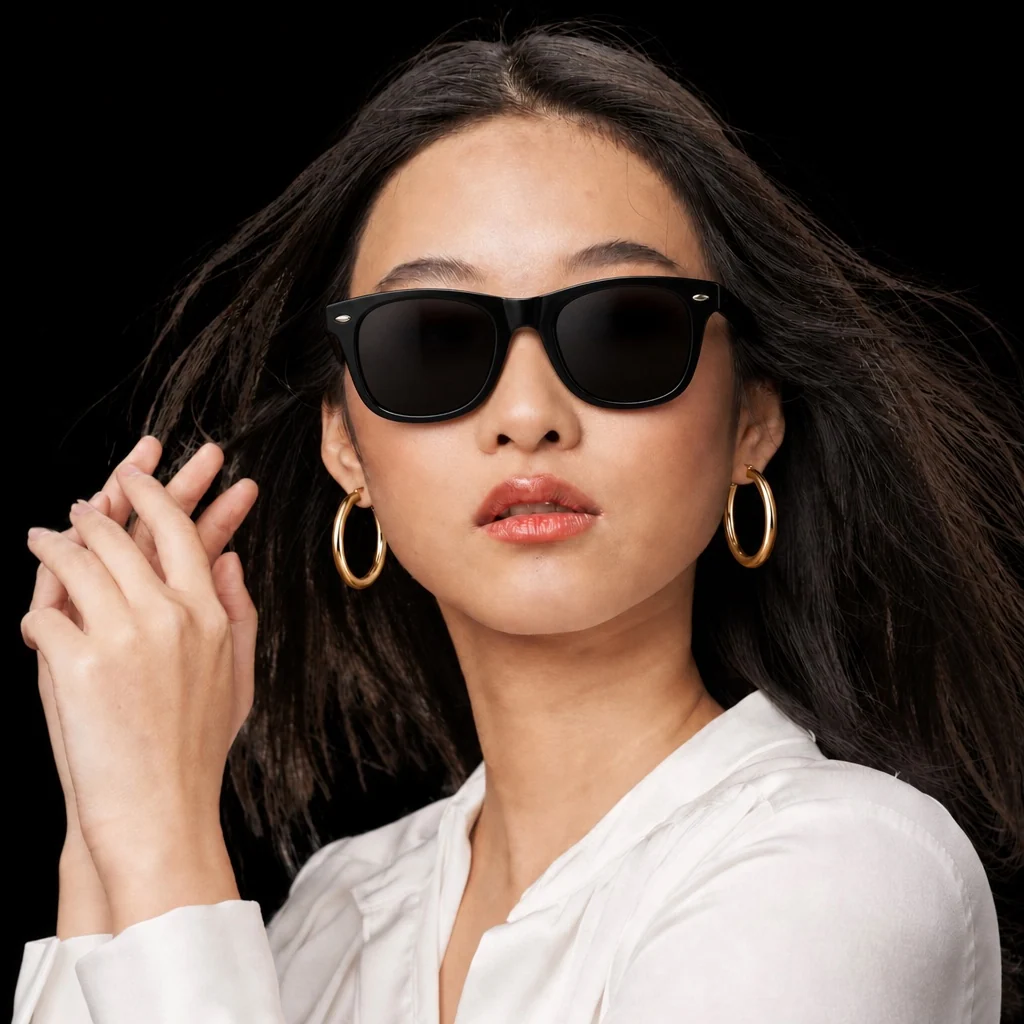
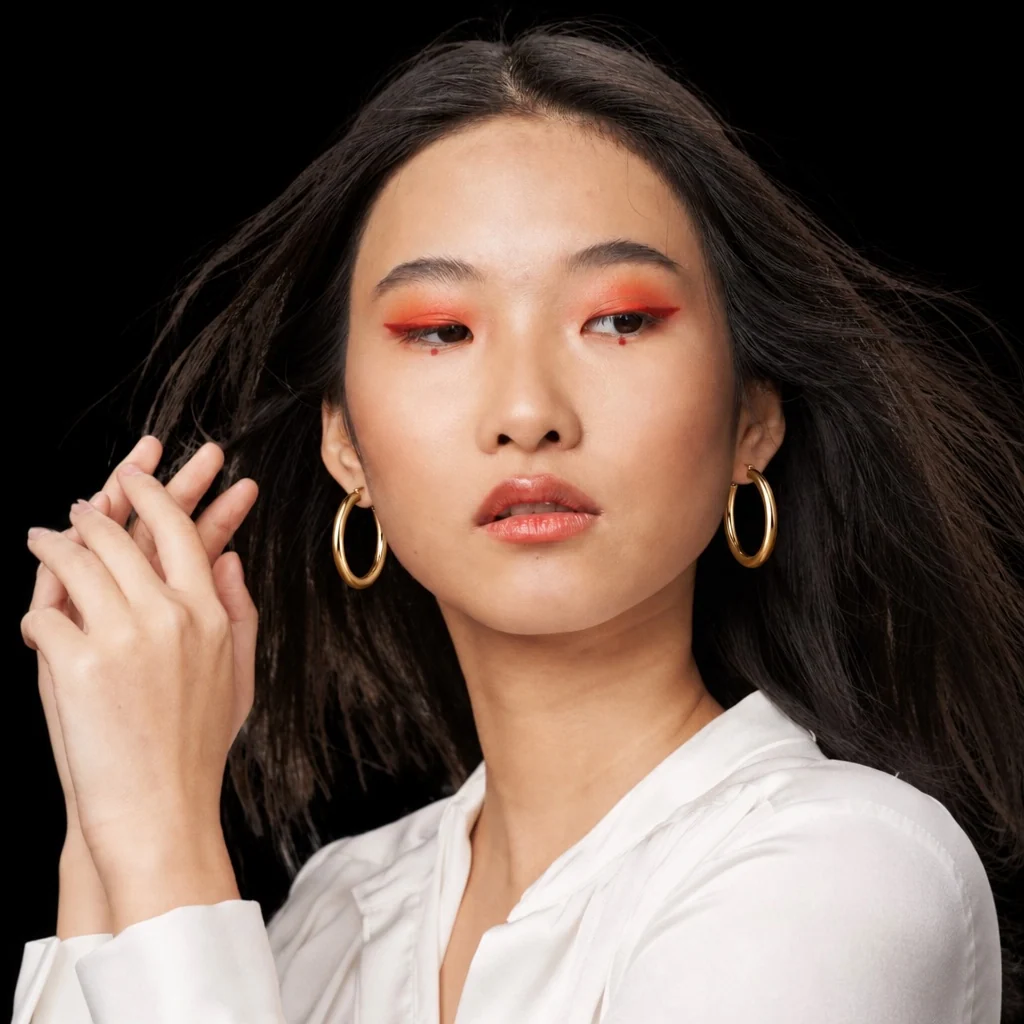
 BeforeAfter
Glasses · Classic frame try-on
Virtual glasses try-on
See how glasses look on you with AI. Free virtual glasses try-on — upload a photo and compare frame styles before you order.
Drag to compare the same photo before and after
BeforeAfterGlasses · Classic frame try-on
Use a clear, well-lit photo of yourself. Front-facing shots usually give the most realistic AI try-on results.
Pick an outfit, hairstyle, jewelry, or glasses from our catalog — or upload your own reference image.
InFashi generates a photorealistic preview so you can compare styles before you buy, book a salon visit, or share with friends.
Preview round, square, cat-eye, and other shapes on your face without visiting every store.
Judge size, proportions, and style on your own photo before you buy prescription or fashion frames.
Pick glasses from the InFashi catalog or upload a reference image of the frames you want to try.
Start free and upgrade only if you need more generations.
Virtual glasses try-on uses AI to place eyewear onto your photo so you can judge how frames sit on your face — bridge width, lens shape, and overall style. It helps when product pages only show models with different face shapes.
InFashi generates a realistic preview from a single upload, useful for everyday and prescription-style frames and for comparing a few options before checkout. For tinted fashion frames, use the dedicated virtual sunglasses try-on.
Use a clear, front-facing photo with your eyes, brows, and cheekbones visible. Soft, even lighting around the face helps frames look natural in the result. Avoid heavy filters or extreme angles.
For a specific pair, upload a sharp reference photo of the glasses on a plain background. That helps the AI transfer frame shape and detail more accurately onto your photo.
Upload a photo and preview your new look in seconds.
Try glasses free