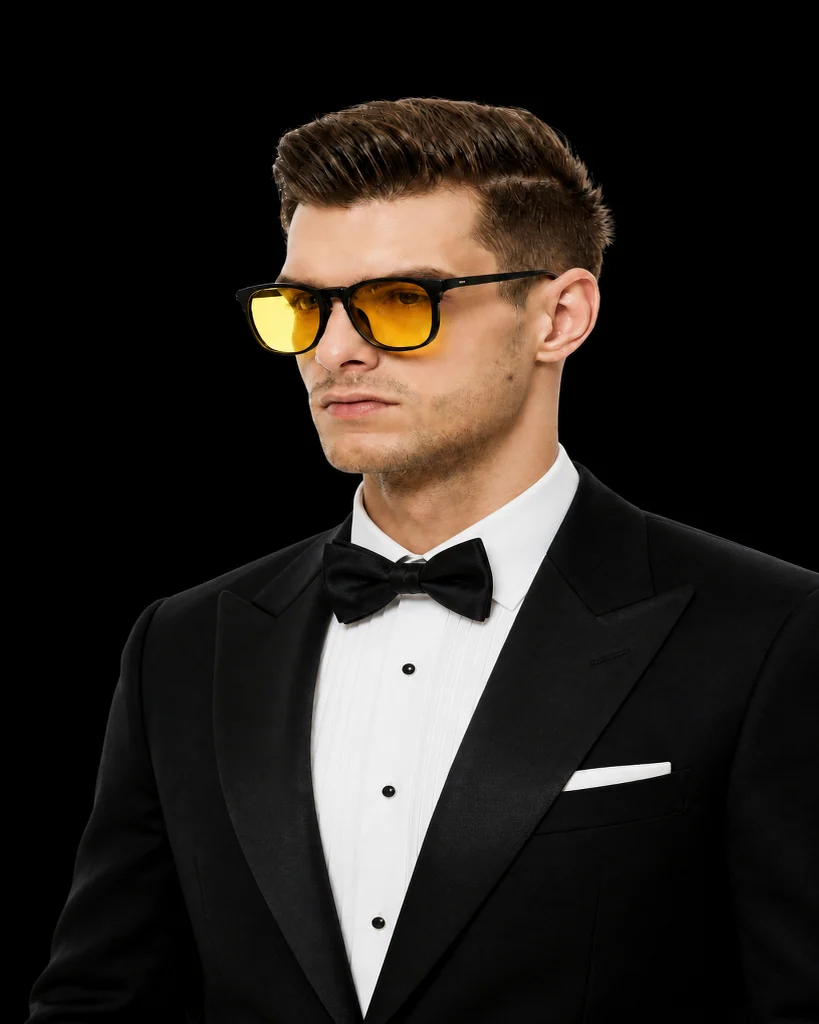
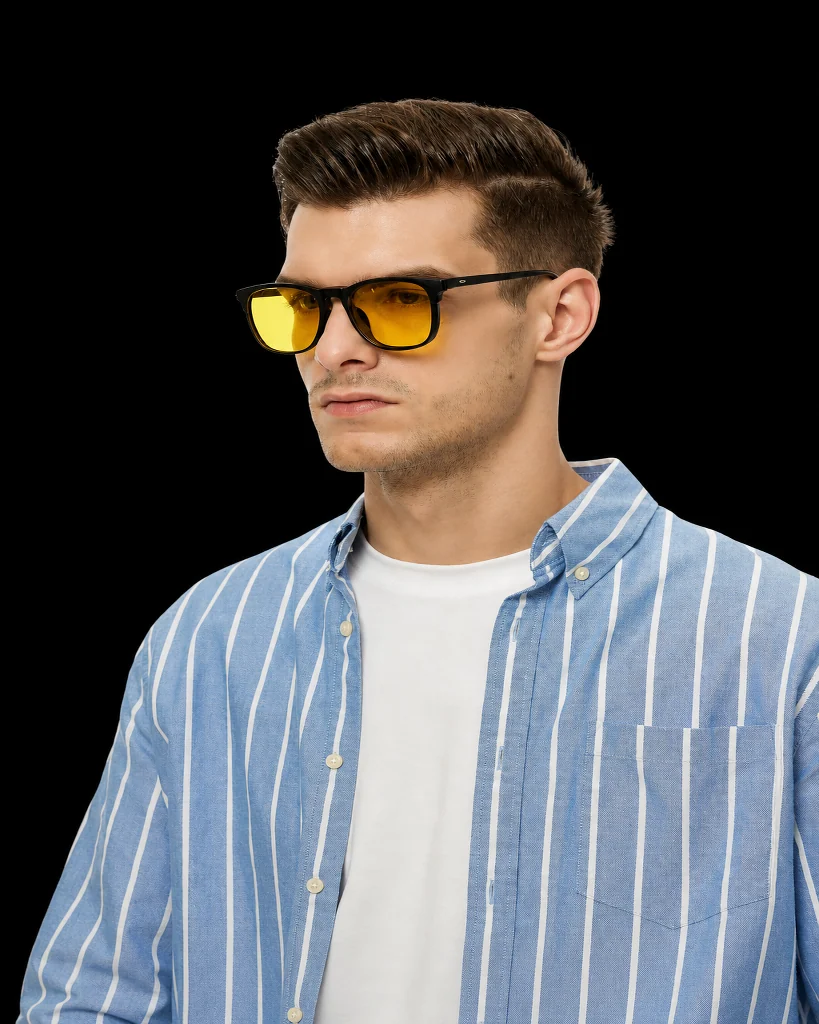
 BeforeAfter
Outfit · Classic black tuxedo
Free AI virtual try-on
Try on outfits, haircuts, jewelry, and glasses online for free. Upload one photo and preview your new look with InFashi’s AI virtual dressing room.
Drag to compare the same photo before and after
BeforeAfterOutfit · Classic black tuxedo
Use a clear, well-lit photo of yourself. Front-facing shots usually give the most realistic AI try-on results.
Pick an outfit, hairstyle, jewelry, or glasses from our catalog — or upload your own reference image.
InFashi generates a photorealistic preview so you can compare styles before you buy, book a salon visit, or share with friends.
Switch between clothes, hairstyles, jewelry, and glasses without jumping between different apps.
Start generating try-ons on the free plan — ideal if you just want to test a look.
No complicated setup. Open InFashi, upload a photo, and generate a preview.
Signed-in users can keep results in their gallery and download favorites.
Looking for a free AI virtual try-on? InFashi lets you upload your photo and experiment with outfits, hairstyles, jewelry, and glasses in one place. It is designed for shoppers, salon-goers, and anyone who wants a realistic preview before committing.
Start on the free plan, then explore dedicated tools for clothes try-on, AI hairstyle changing, virtual jewelry, and glasses try-on when you know which look you want to refine.
Use it before online clothing orders, before dyeing or cutting your hair, when comparing jewelry for an event, or when choosing glasses frames. A quick AI preview often answers “will this suit me?” faster than scrolling through model photos.
For best results, use a clear photo and pick one change at a time — outfit, hairstyle, jewelry, or glasses — so you can judge each look clearly.
Upload a photo and preview your new look in seconds.
Start free try-on