How to Virtually Try On Sweaters and Hoodies Online Using Your Photo
Virtually try on sweaters and hoodies using your photo, compare knitwear and layers, and check shape, length, color, and styling before buying.
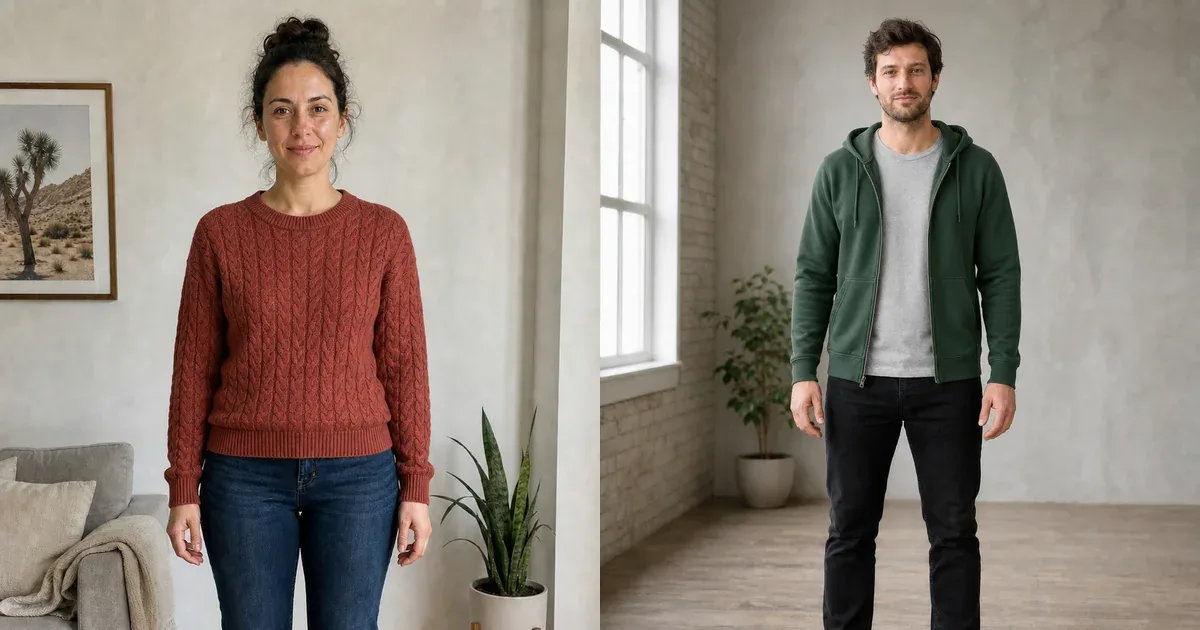
Sweaters and hoodies can look simple in a product photograph, yet their neckline, shoulder position, sleeve volume, fabric thickness, hem length, and layering can change the balance of an outfit. A virtual sweater or hoodie try-on places the style onto your own photo so you can compare the visible direction before ordering.
Use the preview to answer styling questions: Does the color work with your jeans? Does a crew neck, V-neck, cardigan, pullover hoodie, or zip hoodie create the look you want? It cannot confirm warmth, softness, stretch, comfort, or size, so product measurements and fabric information remain essential.
How to virtually try on sweaters and hoodies
- Open InFashi's AI clothes try-on and upload a sharp front-facing full-body photo.
- Choose a sweater or hoodie from the collection, or upload a clean product reference.
- Generate the preview and inspect the neckline, shoulders, sleeves, cuffs, pockets, and hem.
- Keep the same personal photo while comparing another knit, color, or silhouette.
- Save believable options, then check the real garment measurements, materials, reviews, and returns.
Original sweater and hoodie comparisons
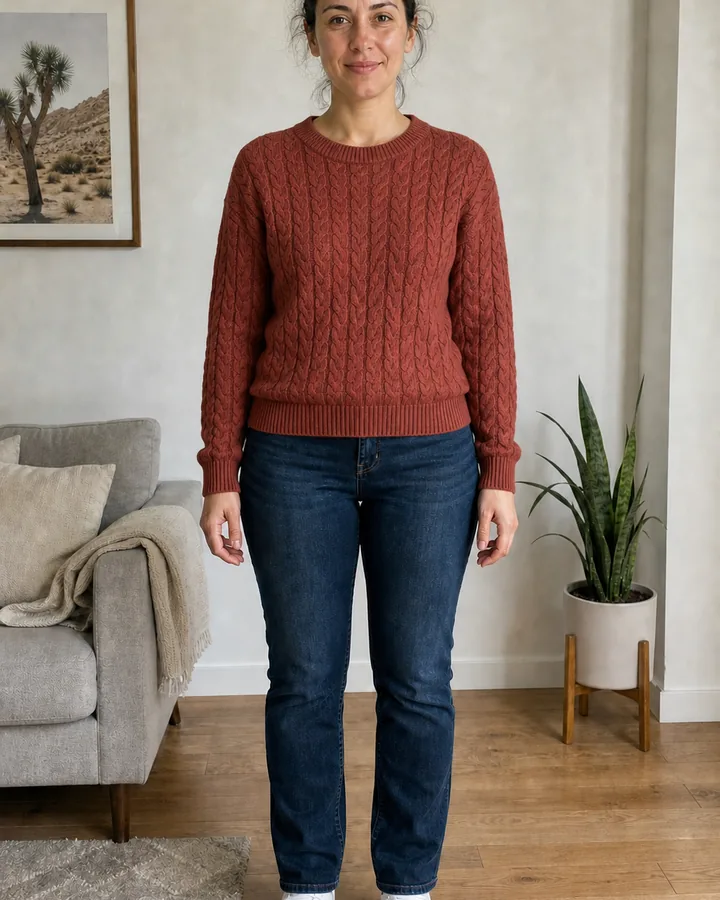
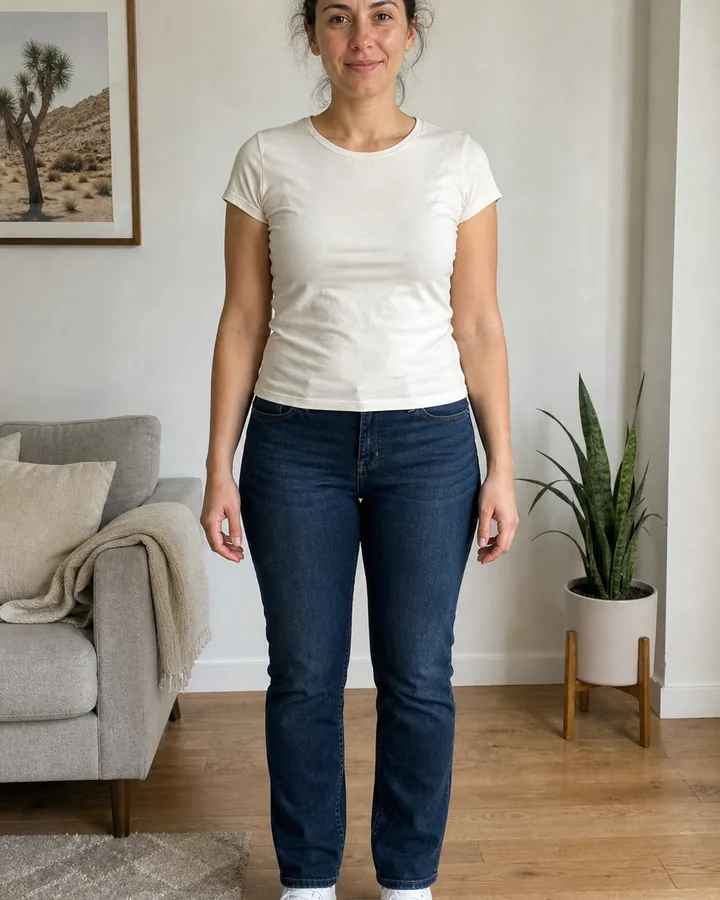
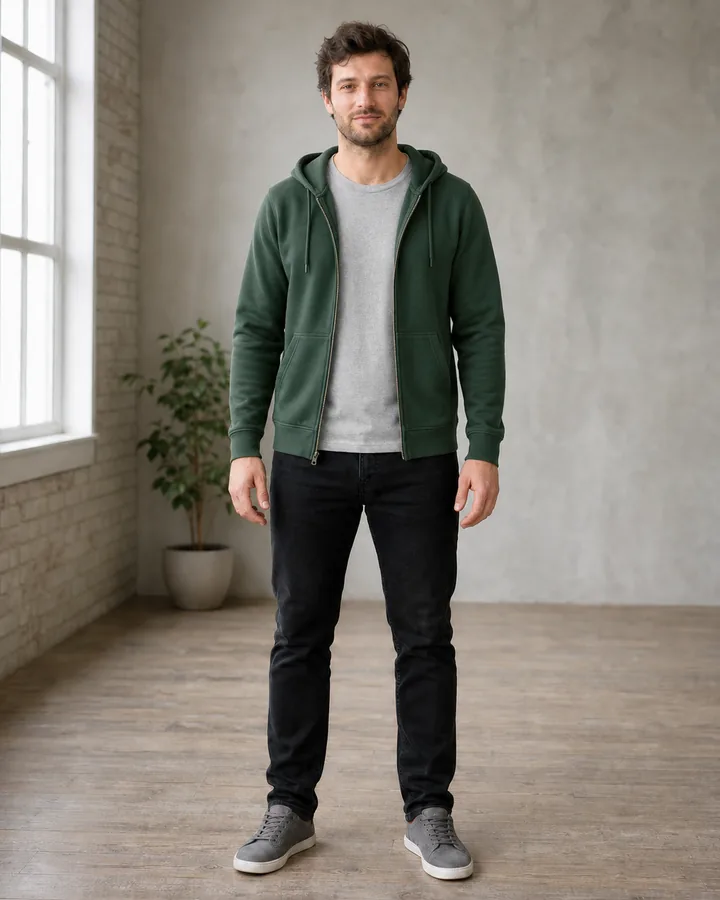
These controlled examples use two newly generated fictional models. In each pair, the identity, face, expression, hairstyle, body proportions, stance, trousers, shoes, room, camera, and lighting remain fixed. Only the upper layer changes, making the clothing easier to inspect through the slider.
Drag the first slider to inspect the cable-knit pattern, crew neckline, sleeve length, and relaxed hem. Use the second to check the hood, zipper, drawstrings, pockets, and how the green hoodie layers over the gray T-shirt.
 BeforeAfter
Virtual sweater try-on · Rust cable-knit crew-neck sweater
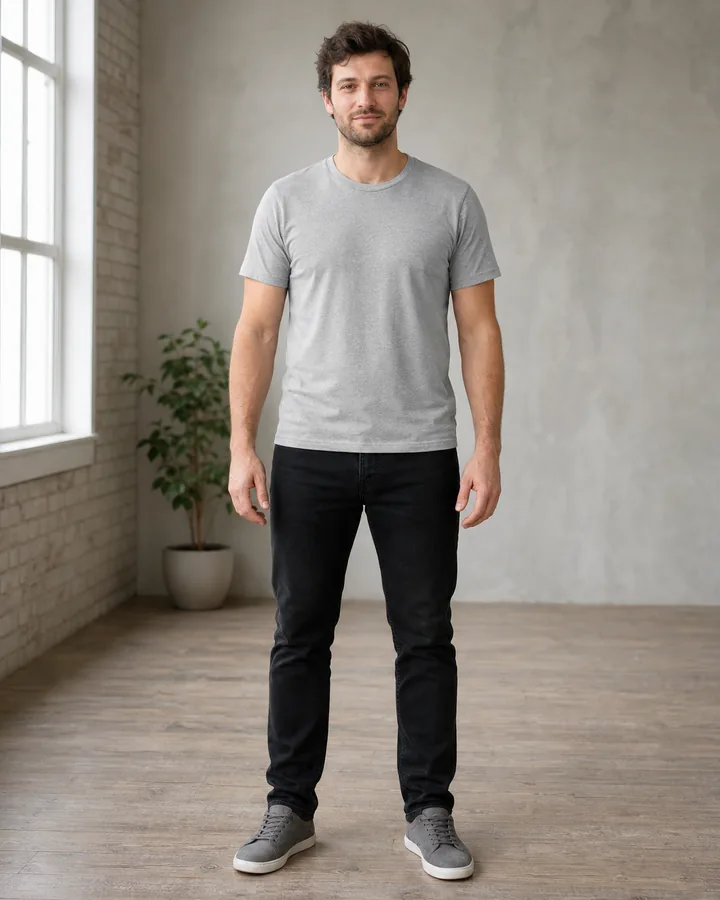 BeforeAfter
Virtual hoodie try-on · Forest-green zip-front hoodie
Check sweater shape before choosing color
Start with silhouette. Compare a fitted fine-knit sweater with a relaxed cable knit, cropped knit, longline sweater, cardigan, or turtleneck while keeping the color similar. Look at where the shoulder seam appears, how much volume forms around the torso, where the hem meets the trousers, and whether the sleeves visually gather at the wrists.
Once the shape feels right, compare colors. Neutrals may be easy to layer, while rust, forest green, blue, burgundy, or another stronger color can become the outfit's focal point. Screens and generated images cannot reproduce every yarn dye or lighting condition, so confirm the retailer's photographs before buying.
Compare hoodie details and layering
For a pullover hoodie, inspect the neck opening, hood volume, kangaroo pocket, ribbed hem, and overall length. For a zip hoodie, check whether the zipper stays centered and whether the underlying T-shirt remains visible naturally. Drawstrings should be symmetrical, and the hood should sit behind the neck rather than merging into hair or shoulders.
Layering adds thickness that AI may simplify. A hoodie beneath a jacket can change the shoulder line and make sleeves feel tighter in reality. A chunky sweater tucked into trousers may create more bulk than a generated preview suggests. When layering matters, verify garment measurements and compare them with a combination you already wear comfortably.
Use better personal and product photos
- Face the camera with level shoulders and keep both arms slightly away from the torso.
- Wear a simple close-fitting top in the source image so your shoulder and waist boundaries remain visible.
- Show the entire garment reference, including hood, collar, cuffs, pockets, closures, and hem.
- Avoid folded products, crossed arms, hands in pockets, heavy shadows, hangers covering the neckline, and promotional text.
Know what the preview cannot confirm
AI can estimate visible shape but cannot feel wool softness, fleece warmth, itchiness, stretch, weight, breathability, pilling, or movement. It may also simplify cable patterns, ribbing, embroidery, logos, marled yarn, zipper teeth, or drawstrings. Reject results that change your body, invent closures, create uneven sleeves, or merge the garment into hands, hair, or trousers.
Use any Try button to open InFashi's clothes uploader, or download the Android app from the action panel. Compare a small number of realistic sweater and hoodie options on the same photo, then combine the strongest visual preview with the seller's size chart, materials, reviews, and return policy.
Frequently Asked Questions
- Can I virtually try on a sweater using my photo?
- Yes. Upload a clear photo, choose knitwear from the collection or add a sweater product image, and generate a visual preview. Use it to compare color, neckline, apparent volume, and styling rather than exact physical fit.
- Can I upload a hoodie from an online store?
- Yes. Use a clean front-facing product image showing the complete hood, shoulders, sleeves, zipper or front panel, pockets, cuffs, and hem. Crop away prices, menus, hands, and unrelated products.
- Can AI show whether a sweater is oversized?
- It can preview an oversized visual direction, but it cannot verify the real garment measurements, fabric weight, stretch, or how the sweater moves. Compare the retailer's dimensions with clothing you own.
- What photo is best for a hoodie or sweater try-on?
- Use an evenly lit front-facing image with your shoulders, arms, waist, hips, and hands visible. Keep your arms slightly away from your body and avoid bulky outerwear in the source photo.
- Does virtual try-on replace checking the size chart?
- No. AI virtual try-on is a styling preview. Confirm chest width, shoulder width, sleeve length, garment length, materials, care instructions, reviews, and returns before purchasing.
Try it on InFashi
Upload a photo in your browser, or download the Android app and preview your look on your phone.