How to Try On a Dress Online Using Your Photo
Upload a photo and virtually try on dresses online with AI. Learn the best photo setup, compare dress silhouettes, and check details before buying.
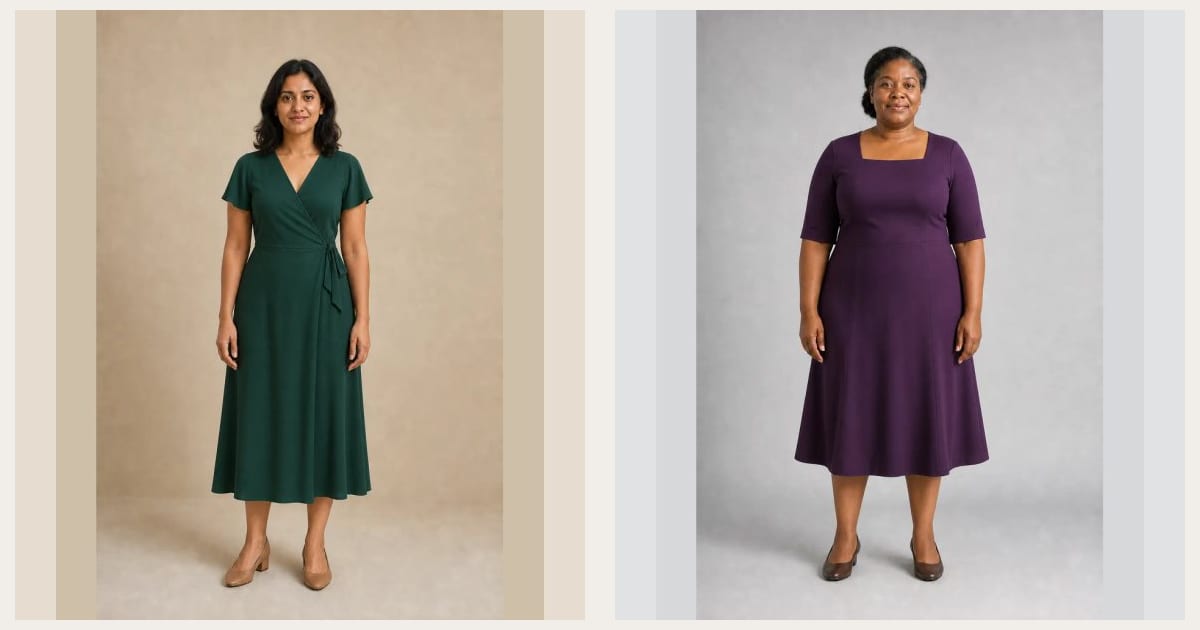
A virtual dress try-on lets you upload a photo and preview a dress on your own image before ordering. It is especially useful when a product photo shows the dress on a model with different proportions, styling, or height and you want a clearer sense of the color and silhouette on you.
With InFashi, you can choose a dress from the clothing collection or upload a reference image of a specific dress. The generated image is a visual styling preview—not a size recommendation or guarantee of physical fit.
How to try on a dress online with your photo
- Open the AI clothes try-on and upload one clear, front-facing photo of yourself.
- Choose a dress from the collection or upload a clean image of the exact dress you want to test.
- Generate the preview and check that your face, pose, and natural body proportions remain consistent.
- Save the useful result, then test one different silhouette or color using the same source photo.
- Compare the previews with the product measurements and material description before buying.
Keep the starting photo unchanged between generations. If you change the camera angle, pose, or crop, it becomes difficult to tell whether the dress or the photograph created the difference.
Original virtual dress before-and-after examples
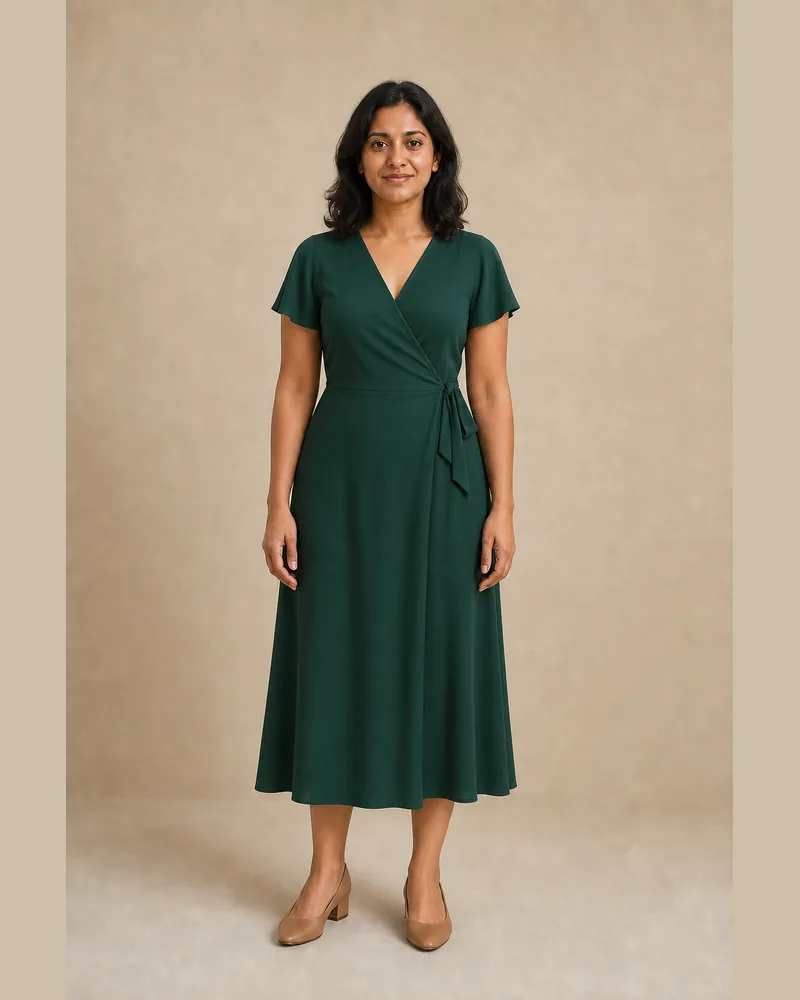
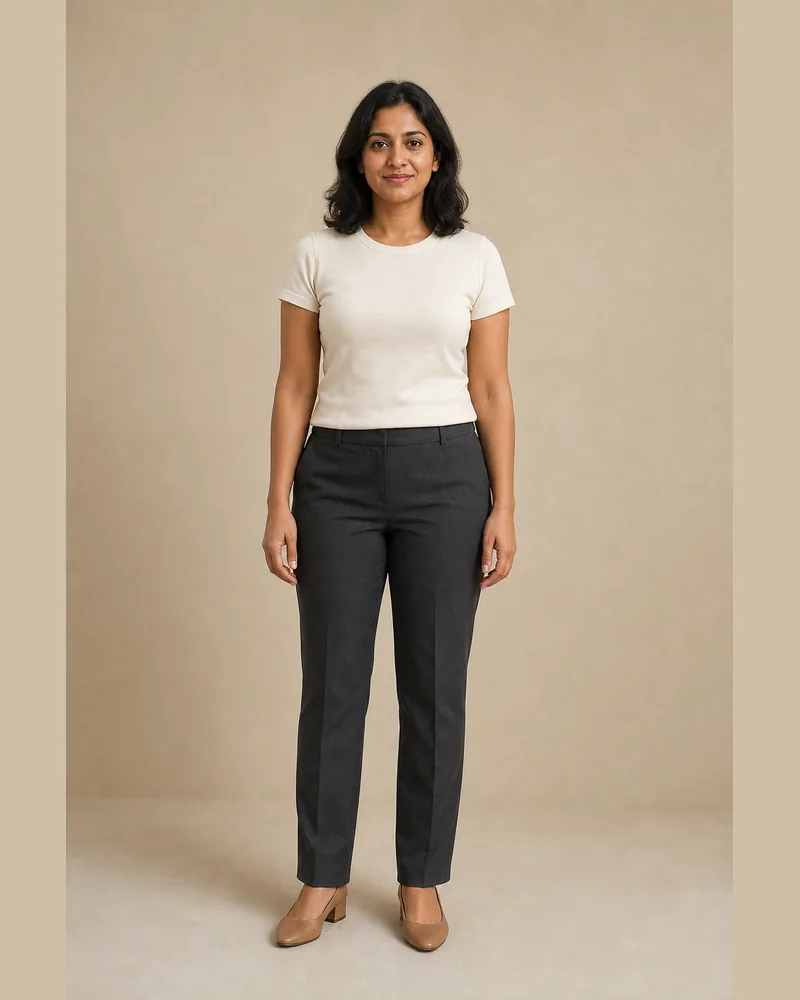
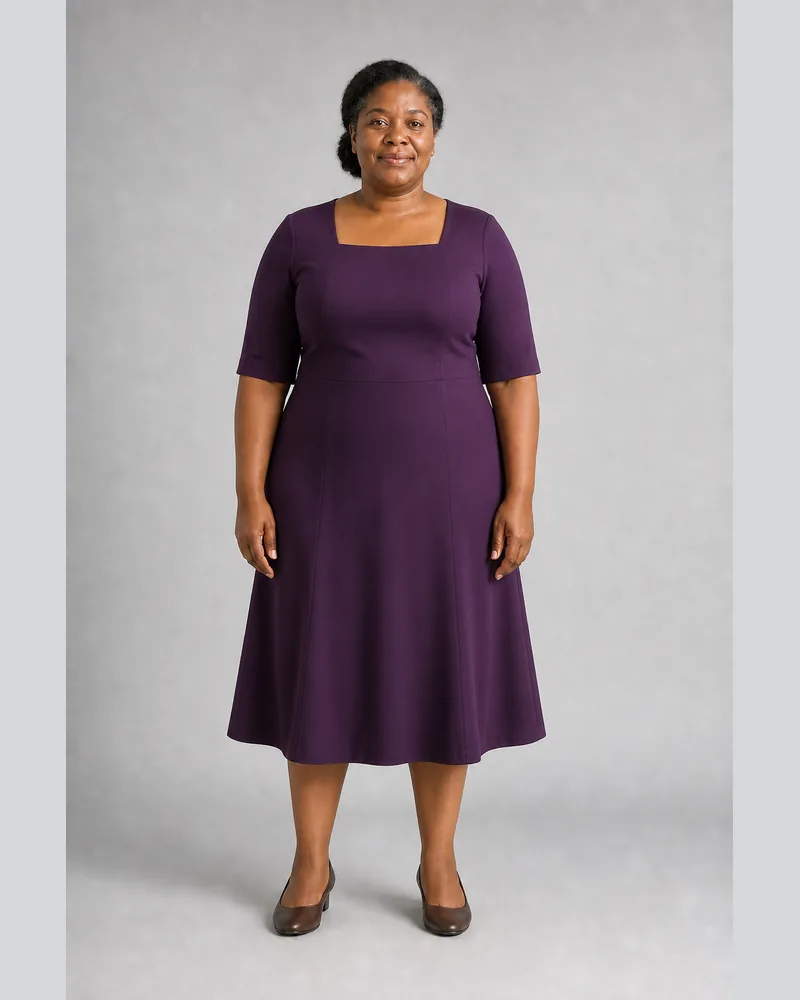
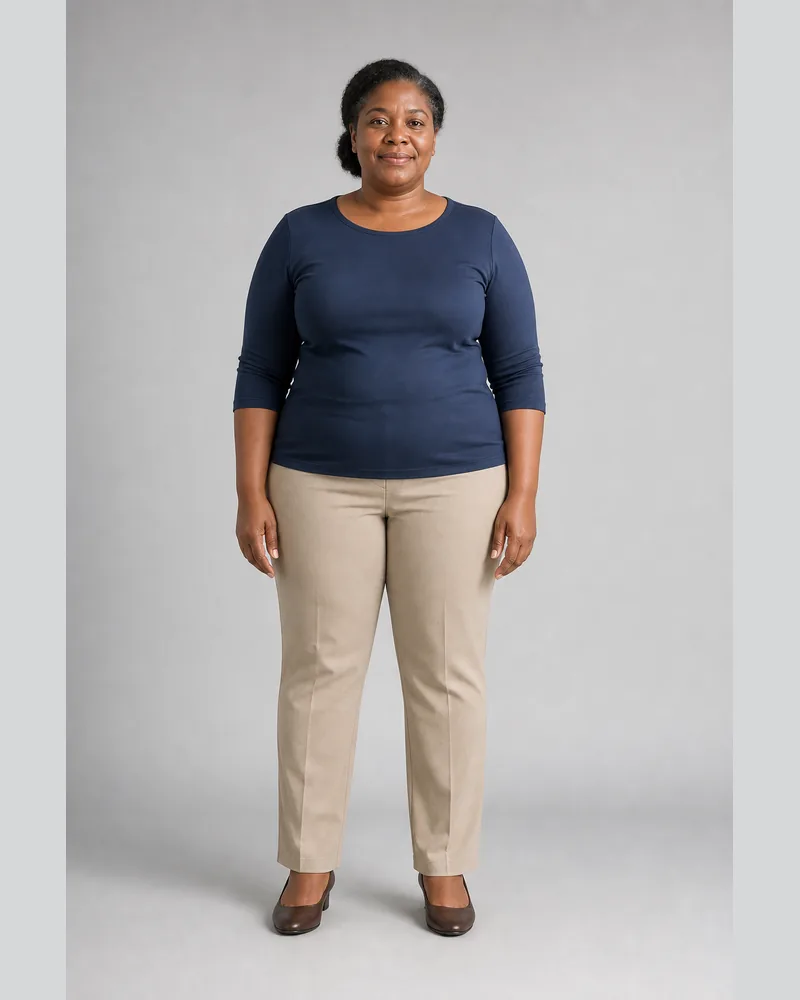
These original comparisons were created for this guide. Within each pair, the same identity, pose, background, shoes, and natural body proportions are preserved while only the clothing changes. Drag the divider and inspect the dress construction rather than comparing the two models with each other.
The emerald example tests a wrap neckline, flutter sleeve, natural waist, and flowing midi hem. The plum example tests a square neckline, princess seams, a comfortable shaped waist, and an A-line skirt on a different build.
 BeforeAfter
Dress try-on · Emerald wrap midi dress
 BeforeAfter
Dress try-on · Plum A-line midi dress
Compare dress silhouettes, not body-shape rules
Wrap, A-line, fit-and-flare, sheath, slip, shift, shirt, empire, and column dresses place structure and volume differently. Body-shape guidance can help you create a shortlist, but it should not decide what you are allowed to wear. Compare one familiar silhouette with one contrasting option and choose the effect you prefer.
For an everyday dress, check comfort, sleeve movement, pocket placement, bra coverage, and whether the hem suits your normal shoes. For workwear, inspect the neckline, shoulder seams, waist construction, and sitting length. For wedding guest, prom, evening, or formal dresses, compare the complete look at full-body scale instead of judging only a close product crop.
What to inspect in an AI dress preview
- Neckline: notice its depth, width, coverage, and relationship with your face and shoulders.
- Sleeves and straps: check their placement and whether the generated edges look plausible.
- Waist: compare natural, dropped, empire, wrap, and unstructured placements.
- Skirt: inspect where it begins to flare and how much volume appears through the hips and hem.
- Length: view mini, knee, midi, and maxi hems together with the intended shoes.
- Color and pattern: make sure the preview has not changed the product color or invented print details.
A polished generated image can make every option feel attractive. Slow down and look for meaningful differences. If the AI changes your body, face, posture, or height relationship, discard that result and generate again rather than using it to judge the dress.
Use a clear full-body photo
The best photo for an online dress try-on is sharp, evenly lit, and taken near waist height with the camera level. Stand naturally with your arms slightly separated from your sides. Wear simple, relatively fitted clothing so the shoulder, waist, and leg area are visible. Include your feet when dress length matters.
Avoid crossed arms, seated poses, large coats, bags, deep shadows, mirrors, group photos, and close wide-angle selfies. A plain background is helpful, but clear body visibility and a natural front-facing pose are more important than creating a studio photograph.
Choose a useful dress reference image
Use a product image that clearly shows the front neckline, sleeves or straps, waist seam, full skirt, and hem. A flat-lay, mannequin, or straightforward model image is usually easier to interpret than a dress hidden by crossed arms, a jacket, a dramatic pose, or heavy styling.
Small logos, lace, sequins, embroidery, sheer panels, prints, and reflective fabric are difficult details and may be simplified. Treat the generated preview as an approximation and return to the retailer's close-up photographs for construction and color accuracy.
Virtual appearance and physical fit are different
An AI dress try-on cannot feel the fabric or confirm bust, waist, hip, shoulder, sleeve, and garment-length measurements. It cannot tell whether a zipper pulls, a lining is comfortable, a fabric stretches, or a hem moves well when you walk and sit. Those questions require product specifications and physical fitting.
Before checkout, compare the retailer's size chart with your current measurements and with a similar dress you already own. Read the fabric composition, stretch information, model measurements, reviews, alteration options, delivery date, and return policy—especially for wedding, prom, and event dresses.
Create a short dress comparison before you buy
Start with three candidates: one dress close to what you normally wear, one with a different neckline or waist placement, and one bolder color or skirt shape. Use the same photo for all three, save your preferred result, and verify the real garment details. This gives you a focused shortlist without expecting the AI preview to replace a fitting room.
Frequently Asked Questions
- Can I upload a photo and try on a dress online?
- Yes. Upload a clear photo of yourself, then choose a dress from the InFashi collection or upload a clean reference image of the dress you want to preview.
- Is the virtual dress try-on free?
- InFashi offers a free plan so you can start testing dress ideas online. Additional generations are available through paid plans if you need more comparisons.
- Can I virtually try on a wedding or formal dress?
- You can preview the visual style of wedding, prom, evening, and formal dresses when you have a clear reference image. Complex lace, beading, trains, and small embellishments may not reproduce exactly.
- Does an AI dress try-on show the correct size?
- No. It previews the overall appearance, not physical fit. Check the retailer's bust, waist, hip, and length measurements, fabric details, reviews, and return policy before ordering.
- What photo is best for trying on dresses?
- Use a sharp, front-facing full-body photo in even light. Keep your arms slightly away from your torso and make sure your shoulders, waist, legs, and feet are visible.
Try it on InFashi
Upload a photo in your browser, or download the Android app and preview your look on your phone.